
Hi,
Maybe the issue addressed by this article could appear slightly prosaic for a develper familiar with Eclipse IDE. But for me, coming from a Java development based on Netbeans IDE, this step was not so simple…
This article absolutely should not be intended as a comparison between the two development IDEs!
Having said that, the problem was: how to create a new ZK eclipse project adding the possibility of exploiting the JPA framework in order to make available a jdbc connection (Firebird through Hibernate in my case) managed by the JPA persistence Eclipse interface?
When creating a new project in Netbeans, the project wizard directly offers the possibility to add the use of available/installed frameworks, as shown in figure.
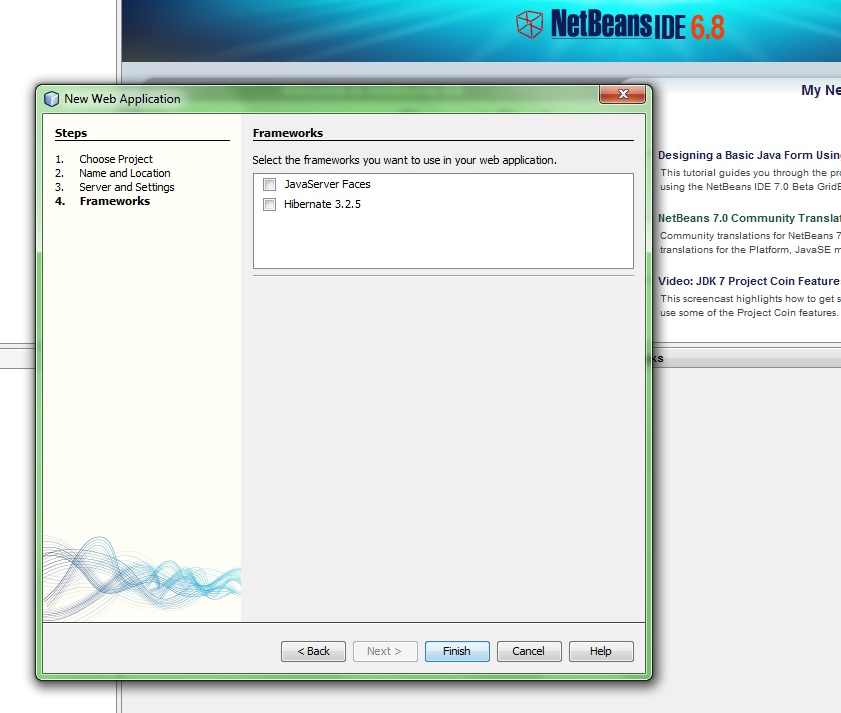
Netbeans project wizard
The Eclipse wizard, instead, even if both types (ZK and JPA) are supported, does not offer the possibility to directly “merge” two or more frameworks when creating a new project.
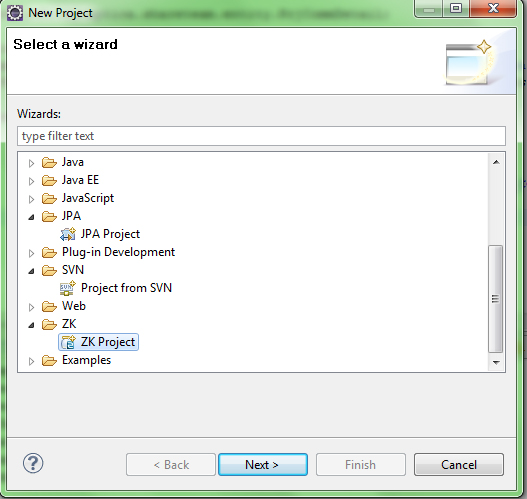
Eclipse Wizard
So, how to have a ZK+JPA project?
The response are the so called “Facets”. Therefore adding and removing Facets it’s possible to add the use of all available frameworks to an existing project.
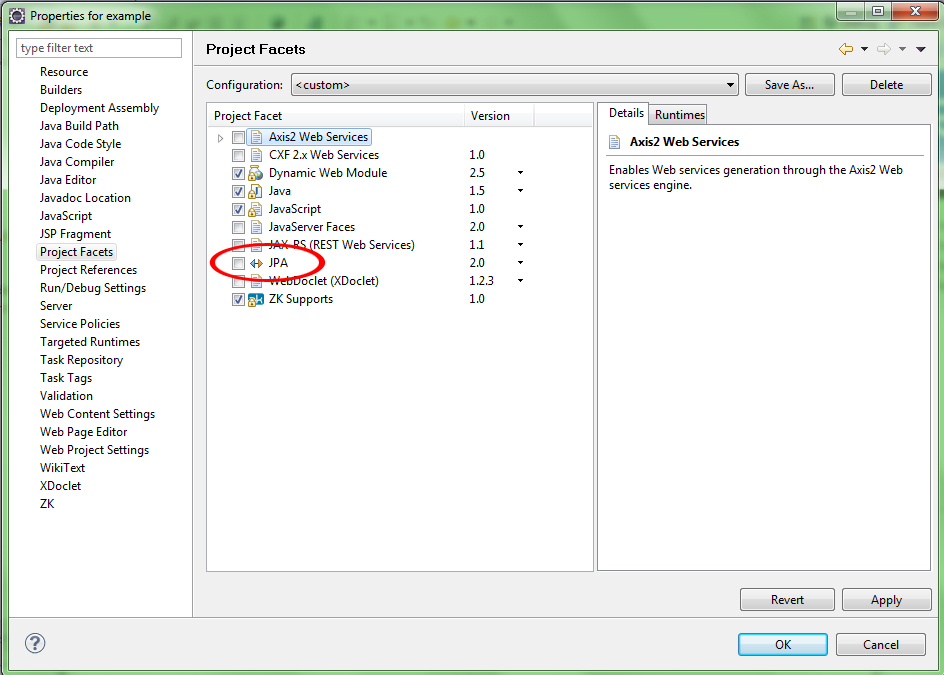
Project Facets
For example if I want to make use also of axis2 web services, after the installation of the required extension plugin, this is easy by selecting the corresponding Facets in the Project configuration. And so on…
Ciao
Fede


 English